 29 June 2026
 Share
Share
1

Creating a home workspace that supports both productivity and relaxation can make a major difference in your daily work routine. Whether you’re working remotely full-time or occasionally tackling tasks at home, the right environment helps you focus better and reduces stress. In this post, we’ll share practical tips to design a comfortable, calming, and efficient workspace right in your home.
The space where you work impacts your mood, energy, and output. A cluttered or uncomfortable area can distract you and sap motivation. Conversely, a well-organized, inviting workspace encourages concentration and creativity. By paying attention to your physical environment, you create a positive loop that improves your work quality and overall well-being.
Select a part of your home that is relatively quiet and free from heavy foot traffic. This minimizes interruptions and allows you to get into a focused mindset.
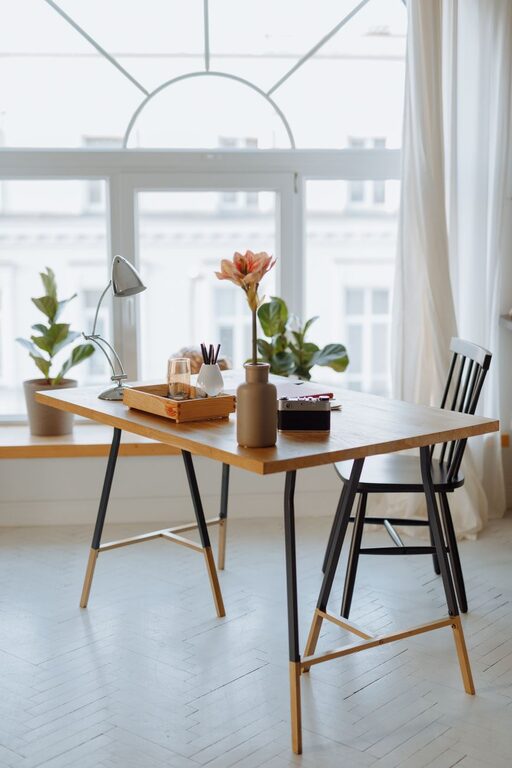
Natural light boosts mood and alertness. Set up your desk near a window if possible. If natural light is limited, use daylight-mimicking bulbs to reduce eye strain.
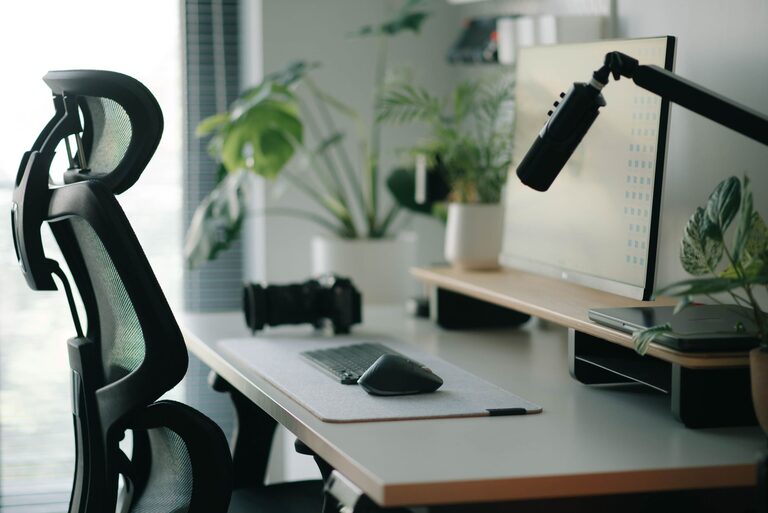
Your chair should support your lower back and allow your feet to rest flat on the floor. Ergonomics reduce discomfort during long work hours and prevent posture-related issues.
Consider a desk with adjustable height or a sit-stand converter. Changing positions can help reduce fatigue and keep energy levels up.
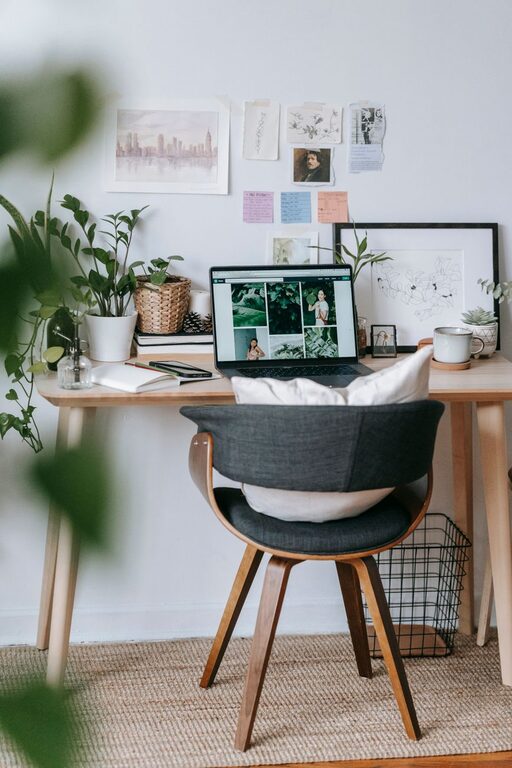
Keep only essential items on your desk like your computer, notebook, and a pen. Clutter-free spaces reduce distractions and help you focus.
Drawers, shelves, organizers, or baskets keep paperwork, cables, and other tools neatly stored but easily accessible.
Soft blues, greens, or neutrals promote relaxation. Choose paint colors or accessories in these shades for your workspace.
Indoor plants improve air quality and add a natural element that can lower stress while making the space more pleasant.
Essential oils, candles, or diffusers with scents like lavender or eucalyptus can create a soothing environment. Just keep safety in mind with any open flames.
If noise is unavoidable, headphones can block distractions and help maintain concentration.
Some people find white noise, gentle music, or nature sounds helpful for focus. Experiment to see what helps you stay relaxed and productive.
If your work involves multitasking, additional screens can improve efficiency without workspace clutter.
Keep cables organized with clips or sleeves to maintain a clean look and avoid tangles.
Ensure your internet speed supports video calls and uploads smoothly to avoid interruptions.
Establish start and end times for your workday to maintain balance and prevent burnout.
Step away from your desk regularly to stretch, hydrate, or step outside for fresh air to recharge your mind.
If you share your home with others, let them know your workspace boundaries and schedule to minimize disruptions.
A favorite quote, artwork, or family photos can serve as positive reminders and increase motivation.
Visualizing your goals through a dedicated board can keep you driven and aligned with your objectives.
Designing a relaxing and productive home workspace is about creating a balance where comfort meets efficiency. By intentionally organizing your environment, prioritizing comfort, and setting clear work routines, you can enhance your focus and well-being. Small changes can have a big impact, so start with one or two tips and gradually build a workspace that works best for you. Happy working!